
Filter views vs filters: stop changing what everyone else sees
Someone filters the rota to their own shifts, and everyone else's screen rearranges too. Then someone else sorts by name, and the first person's view scrambles. On a shared Google Sheets™ file, plain filters are a shared remote control with one channel: whoever touches it last wins.
The difference
- Filters (Data → Create a filter) change the sheet for everyone viewing it. Sorting and filtering this way moves rows for all collaborators.
- Filter views (Data → Filter views → Create new filter view) are personal. You filter and sort to your heart's content; nobody else sees a thing. Views can be saved and named, so "Nursery rota – Sam" is one click away.
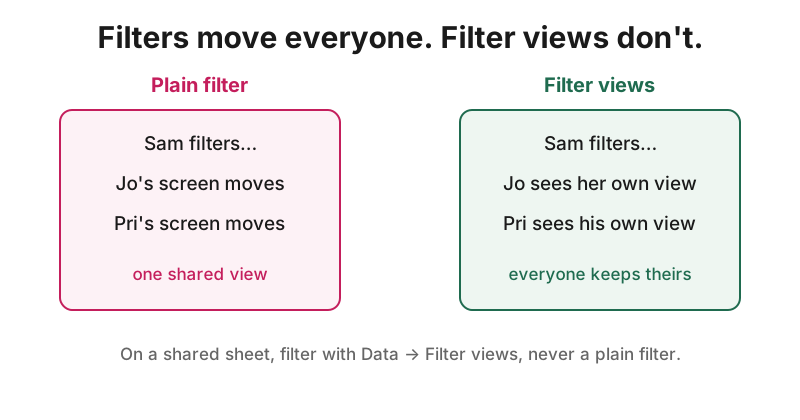
The rule for shared sheets
- Never use a plain filter on a sheet others have open. Use a filter view.
- Name and save the views people actually use, so nobody reinvents them.
- If the data must stay in a fixed order, say so on the sheet, and protect the key column.
Check the sheet's filter health
Shared Sheet Guardrails™ checks a Google Sheets™ file for filter misuse, typed-over formulas, lost validation and the rest, with by-hand fixes. Checking any sheet is free.
Install from the Google Workspace Marketplace™
Google, Google Sheets™ and Google Workspace™ are trademarks of Google LLC. App Garden™ is not affiliated with or endorsed by Google.